Ensure your device is updated and try reinstalling the game.
You can fill the form below or email us at info@zargaslab.com.
Close background apps and make sure you have enough free storage space.
Sortyard is coming soon to Google Play and the App Store. Follow us on Instagram and LinkedIn to hear first.
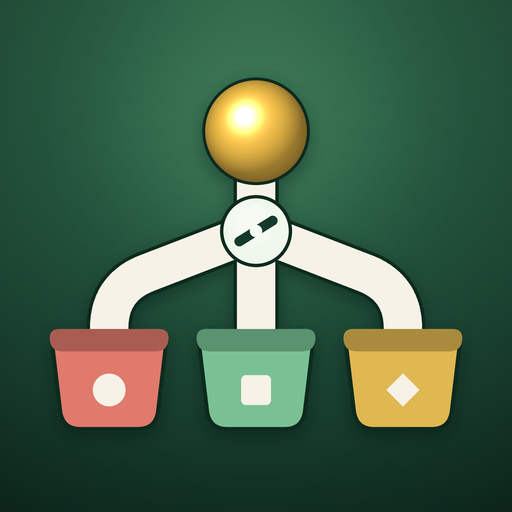
Items roll down a branching rail. Tap a gate to switch the rails and send each item into the bin that matches its color.
You start each level with three lives, and a wrong bin costs one. Every life left at the end of a level is a star, up to three. A flawless clear also earns bonus diamonds.
SLOW halves the speed of everything for a few seconds, SHIELD absorbs one wrong drop, and AUTO sorts for you for a short time. They are bought with diamonds earned by clearing levels.
Your progress is saved on your device. Deleting the game will also delete your progress.
Sortyard is available in English and Turkish.
Settings has a Remove Ads purchase. It stops the banner and the ads between levels. Offers where you choose to watch a video for a reward stay, because those are how you earn extra diamonds.
When your last life goes you get a few seconds to carry on, either by watching a short video or by spending diamonds. Doing nothing simply ends the run. Each level gives one of these second chances.
Open Settings and tap Restore Purchases, signed in with the same store account you bought with. Remove Ads comes back. Diamonds are used up as you spend them, so they are not restored.
Sortyard has no account and no cloud save. Your progress, diamonds and settings are kept only on your device, so uninstalling the game removes them. Where consent rules apply, Settings also has a Privacy Options button for changing your advertising choices. For anything else, email info@zargaslab.com with the subject "Sortyard – data deletion". See the privacy policy for details.