Ensure your device is updated and try reinstalling the game.
You can fill the form below or email us at info@zargaslab.com.
Close background apps and make sure you have enough free storage space.
Rocket Ascent is coming soon to Google Play and the App Store. Follow us on Instagram and LinkedIn to hear first.
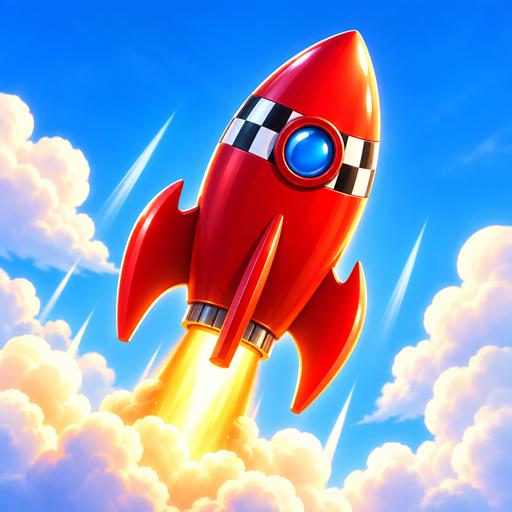
Guide your rocket with one finger and dodge planes, birds, hot-air balloons, meteors, satellites and other dangers as you climb.
Your flight ends when the tank is empty. Collect fuel cans to stay airborne and use your turbo fuel at the right moment to boost higher.
Earn coins from your flights and collect diamonds, then unlock new rockets. Each rocket has different power and handling.
Rocket Ascent is available in English and Turkish.
Use the Restore Purchases option in the store while signed in with the same store account you bought with.
Connect your Google Play (Android) or Game Center (iOS) account in Settings. Your best score, coins, diamonds and unlocked rockets are then saved to your account and come back when you sign in on another device.
Disconnecting Google Play or Game Center in Settings stops syncing on this device. To delete your leaderboard and cloud save data, email info@zargaslab.com with the subject "Rocket Ascent – data deletion". See the privacy policy for details.